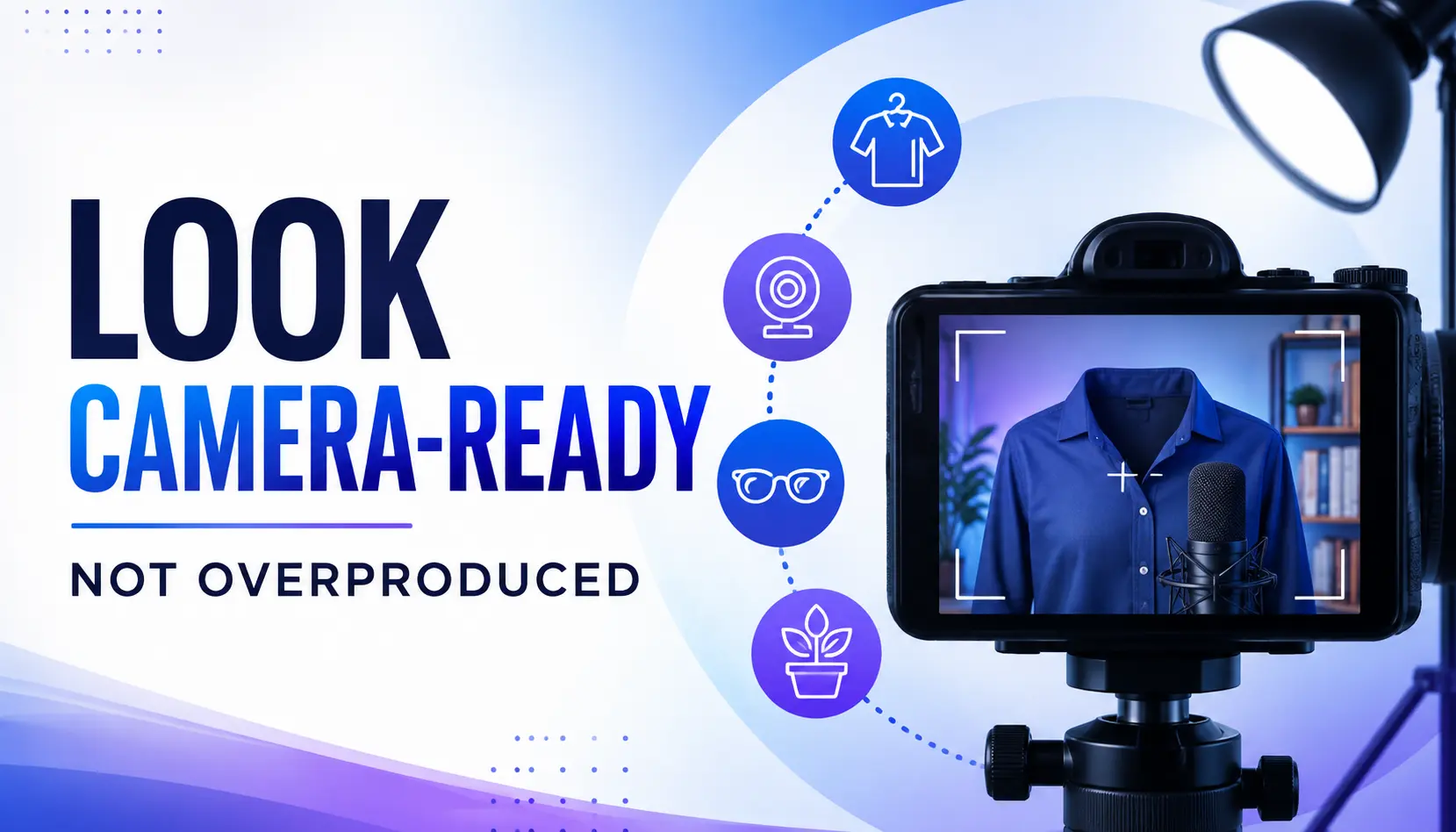
Looking professional on a video podcast does not mean wearing a suit, buying expensive clothes, or trying to look like a television anchor.
It means looking intentional.
Your clothing works with the background. Your camera is positioned well. Your glasses are not reflecting a giant rectangular light. You are comfortable enough to speak naturally. And you are not spending the entire recording staring at your own face wondering whether your hair moved.
That preparation matters because video adds another layer to podcast production.
You can have a strong topic, a good microphone, a well-planned episode, and useful information. But if something in the frame keeps distracting you—or the person watching—the production has unnecessary friction before the lesson even gets going.
This is the physical side of podcast pre-production.
Here is how I would handle it.
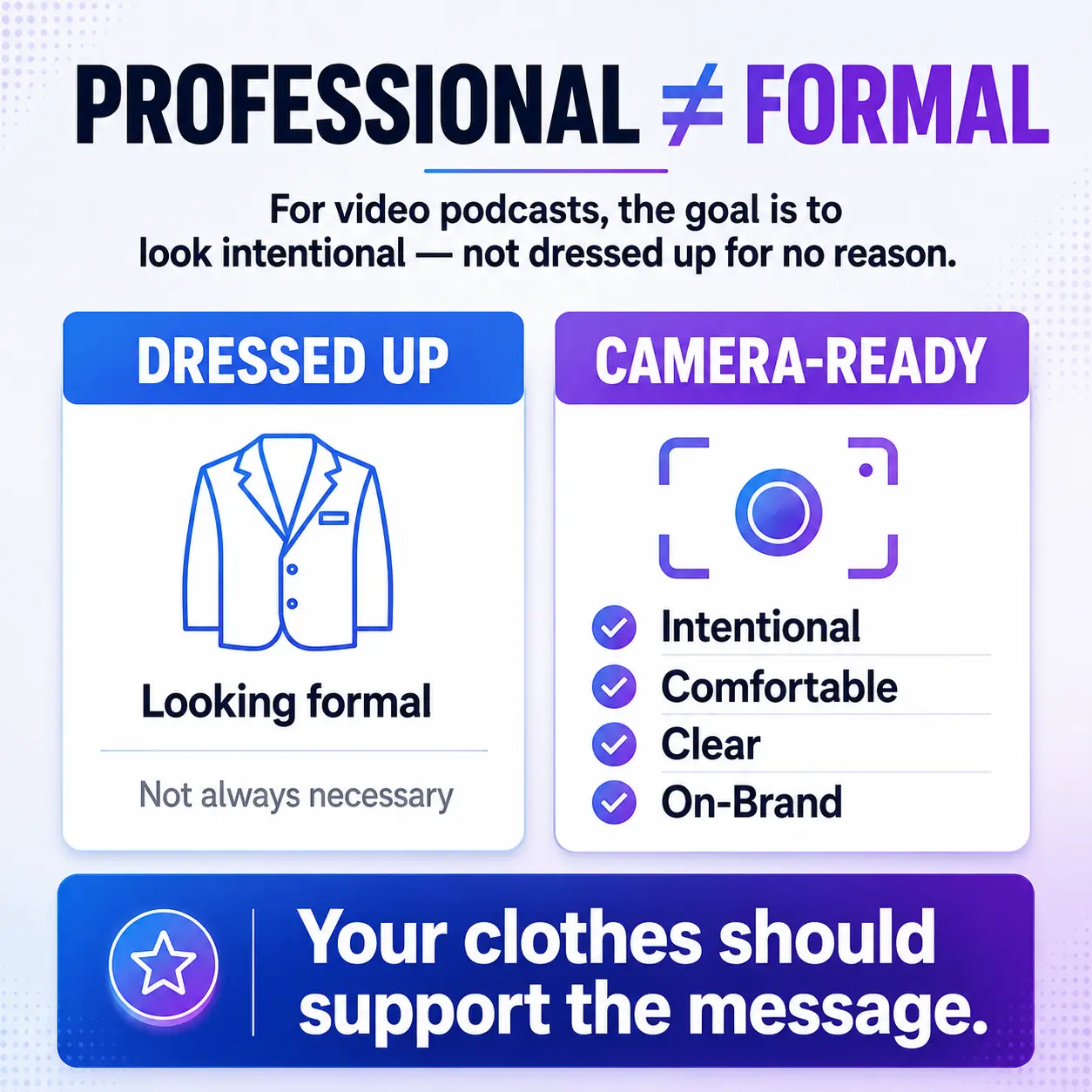
Looking Professional Does Not Mean Looking Formal
The first rule is simple:
Dress for your show, your audience, and yourself—not for some imaginary definition of a “professional podcaster.”
A financial show, fitness podcast, artist interview, nonprofit program, marketing show, wellness podcast, and music podcast do not need to look the same.
They should not.
Your goal is visual consistency with the person your audience expects to hear from.
If a T-shirt is genuinely how you work and communicate, there is nothing inherently unprofessional about wearing one on camera. If your role and subject normally call for something more polished, do that.
Professional does not mean formal.
Professional means deliberate.
This also protects something more important than wardrobe: your personality. If you become so concerned with appearing polished that you stop sounding like yourself, you have solved the wrong problem. I cover that balance more deeply in my article on protecting authenticity, passion, and curiosity in podcasting.
Treat Your Clothing as Part of the Camera Frame
Before you worry about whether an outfit makes you look authoritative, make sure it actually works on camera.
There has been research into how clothing affects first impressions and even how wearing certain clothing may affect the person wearing it. But the popular “enclothed cognition” idea is not a magic formula, and some of the original experimental findings have not replicated consistently.
You do not need a psychology theory to make the practical decision.
You need a camera test.
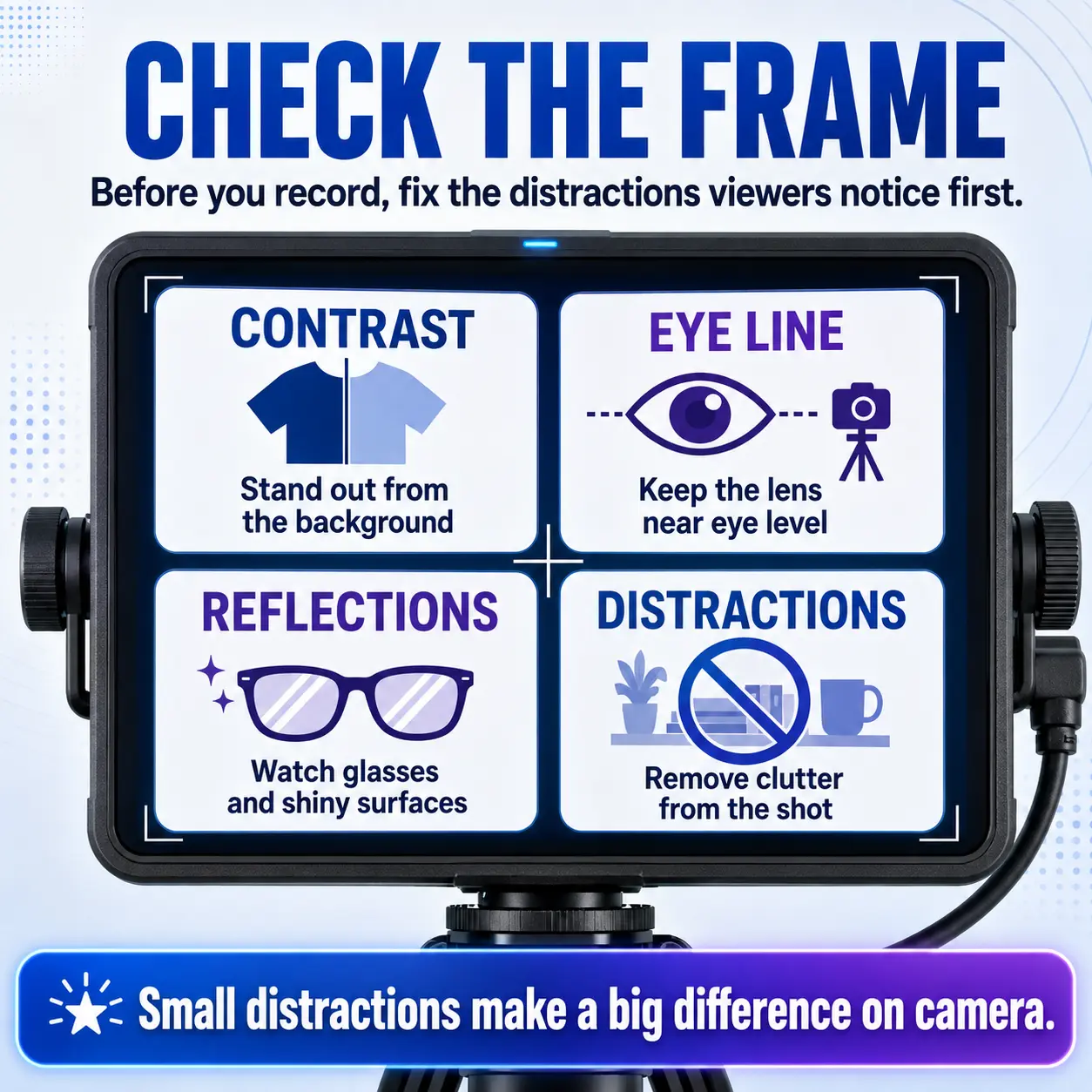
Check Your Contrast
Look at your clothing against the actual background you will use.
A black shirt against a nearly black chair and dark wall may cause your body to disappear into the frame.
A light shirt against a very bright background can have the opposite problem.
You usually want enough separation that your face and body are easy to distinguish without the clothing becoming the main attraction.
Do this on the monitor.
Do not decide in the bathroom mirror and assume the camera will agree with you.
Watch Fine Patterns
Very small stripes, tight checks, and highly repetitive patterns can sometimes create distracting visual patterns on camera or after a video is resized and compressed.
If an outfit looks strange on the actual recording setup, change it.
You do not win an award for defeating the camera with your favorite shirt.
Listen to Your Clothes Too
Video wardrobe can become an audio problem.
Loose necklaces can hit a microphone.
A zipper can rub against fabric.
A jacket can make noise every time you move your arms.
A lavalier microphone can scrape against a shirt or collar.
Move around before recording and listen through your headphones.
Your wardrobe is now part of the audio chain.
Fix Your Camera Position Before You Fix Your Posture
A lot of people sit down, see themselves looking strange on the screen, and immediately start changing how they are sitting.
Sometimes the problem is the camera.
For a normal direct-to-camera podcast setup, place the lens roughly around eye level unless you are intentionally creating a different angle.
Then adjust your chair and framing.
You should be able to sit naturally instead of stretching upward, collapsing downward, or holding an uncomfortable posture for 30 minutes because the camera is in the wrong place.
Leave reasonable headroom. Check that your shoulders and hands fit the framing you want. Make sure your chair is not slowly sinking out of the shot.
Then record a short test.
Video production decisions like resolution and frame rate can affect the finished look, but they cannot rescue a fundamentally awkward frame. That is why I would solve the basic composition first and worry about technical choices like 24fps versus 30fps or 4K versus 1080p for video podcasting afterward.
Decide Where Your Eyes Are Supposed to Go
This gets especially important when you record video podcasts remotely.
If you are teaching directly to the viewer, looking into the lens during an important statement can make the delivery feel more direct.
But you do not need to spend an entire guest interview staring into the camera glass like you are being held hostage.
During an interview, look at the guest naturally.
During solo teaching, use the lens more deliberately.
The bigger problem is usually not imperfect eye contact. It is constantly watching yourself.
Once you have confirmed your framing, consider minimizing or hiding your self-view if your recording platform allows it.
You already know what you look like.
You do not need to supervise yourself for the next 25 minutes.
Your attention belongs on the idea you are explaining.
Check Glasses, Hair, Lighting, and Small Distractions
You do not need a makeup department.
You need a 30-second inspection.
Check the things that are difficult to ignore once you notice them:
- reflections in your glasses;
- hair blocking your eyes;
- a collar sitting strangely;
- a crooked necklace;
- a hat creating a heavy shadow;
- something stuck to your shirt;
- a bright object behind your head;
- a chair, cable, bottle, or piece of gear that suddenly became part of the set.
None of these things makes you less credible.
They are simply distractions you can remove before recording instead of discovering them during the edit.
That distinction matters.
The purpose of physical prep is not perfection.
It is reducing preventable distractions.
Get Your Body Ready to Record
You are about to sit, think, speak, listen, react, and possibly stay in roughly the same position for a while.
Make yourself physically comfortable before you hit record.
Get some water.
Use the restroom.
Adjust the room temperature.
Move around for a minute if you have been sitting at a computer all day.
Relax your shoulders.
Then give yourself a short breathing reset.
Slow breathing has been studied for its effects on stress and physiological arousal. You do not need an elaborate breathing ritual here. A few slow, controlled breaths can simply give you a moment to stop racing from setup mode into performance mode.
Then record.
Do not turn the pre-record routine into another 25-minute production project.
The point is to remove friction.
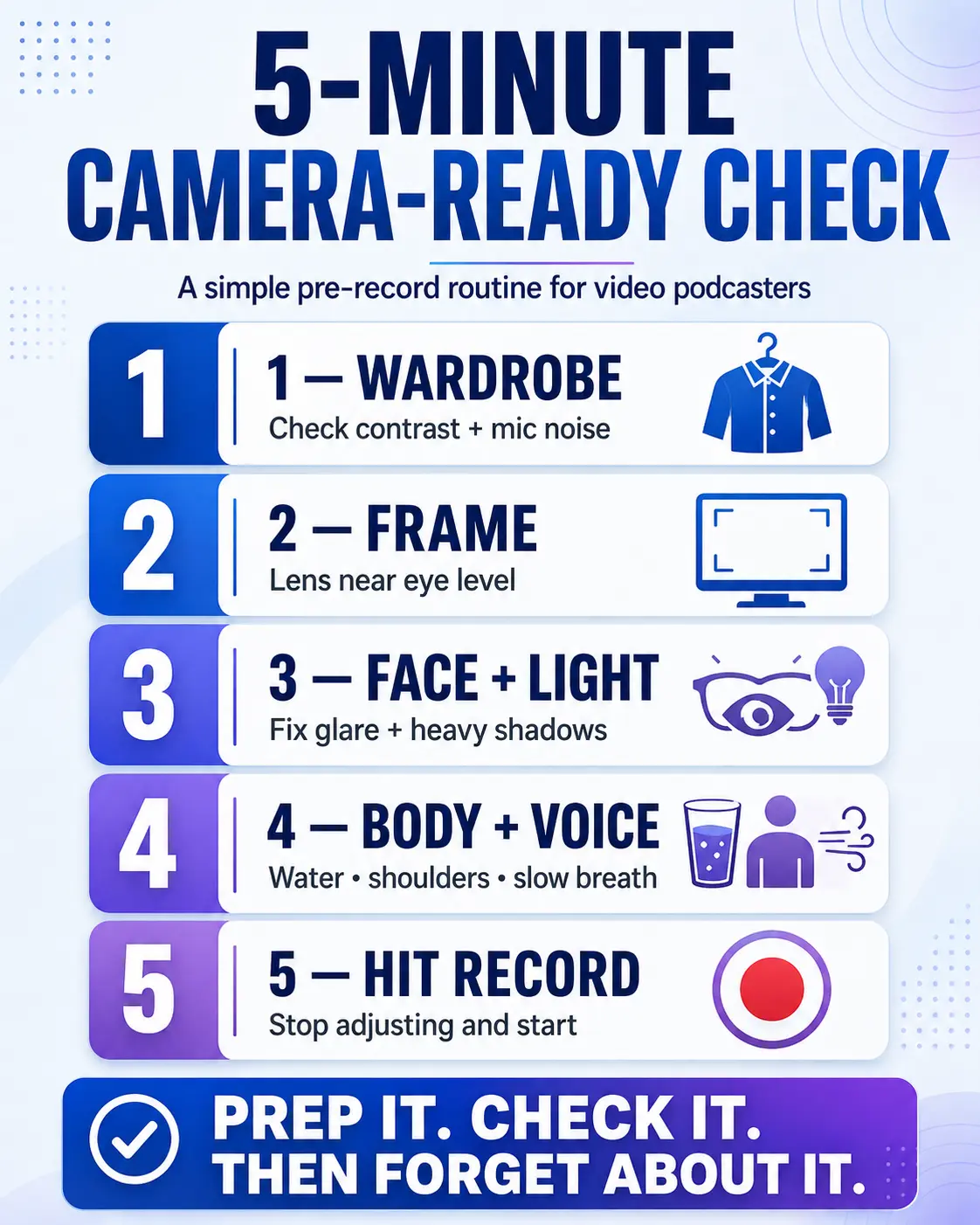
The 5-Minute Video Podcast Physical Prep
Here is the routine I would use before a solo video podcast or important interview.
Minute 1: Wardrobe
Check:
- clothing against the background;
- wrinkles or distracting folds;
- tight patterns;
- noisy jewelry or fabric;
- microphone contact.
Minute 2: Frame
Check:
- camera height;
- headroom;
- chair height;
- body position;
- distracting objects in the background.
Minute 3: Face and Light
Check:
- glasses reflections;
- heavy shadows;
- hair;
- skin shine if it bothers you;
- whether your eyes are clearly visible.
Minute 4: Body and Voice
Get water.
Relax your shoulders.
Take a few slow breaths.
Say the opening of the episode out loud once.
You are not rehearsing the whole show.
You are getting your brain and voice out of setup mode.
Minute 5: Stop Looking at Yourself
Confirm focus and exposure.
Check the recording indicator.
Then stop adjusting things.
Hide or minimize self-view if it helps.
Look at the lens when you are addressing the viewer directly, look at your guest when you are having a conversation, and start the episode.
That is enough.
Physical Prep Supports Authority. It Does Not Create It.
This is the distinction I think matters most.
A polished frame can help your presentation.
It cannot make a weak idea strong.
A nice shirt cannot fix a vague episode.
A perfect camera angle cannot replace experience, evidence, useful teaching, or a clear point of view.
And 4K certainly does not turn generic advice into expertise.
Your authority still has to come from what happens after you hit record.
Physical preparation simply gets unnecessary visual and physical distractions out of the way so the audience can pay attention to the part that matters: what you have to say.
That is why I consider this part of the production system rather than a beauty routine.
The best pre-record workflow leaves you prepared enough to stop thinking about the production and start teaching.
Want to Build Authority Without Performing Authority?
Looking camera-ready is one small part of how an audience experiences you.
The harder part is making people feel understood before you start proving how much you know.
Inside the free Podcasting Pro Tips Vault, you can get Psychology Hacks for Podcast Hosts: How to Make Your Audience Feel Understood Before You Establish Authority.
It helps you think about the communication side of trust—not just what the camera sees.
Get Psychology Hacks for Podcast Hosts inside the Free Vault