If you’re choosing between 24fps and 30fps for a video podcast, there isn’t one universally “professional” setting.
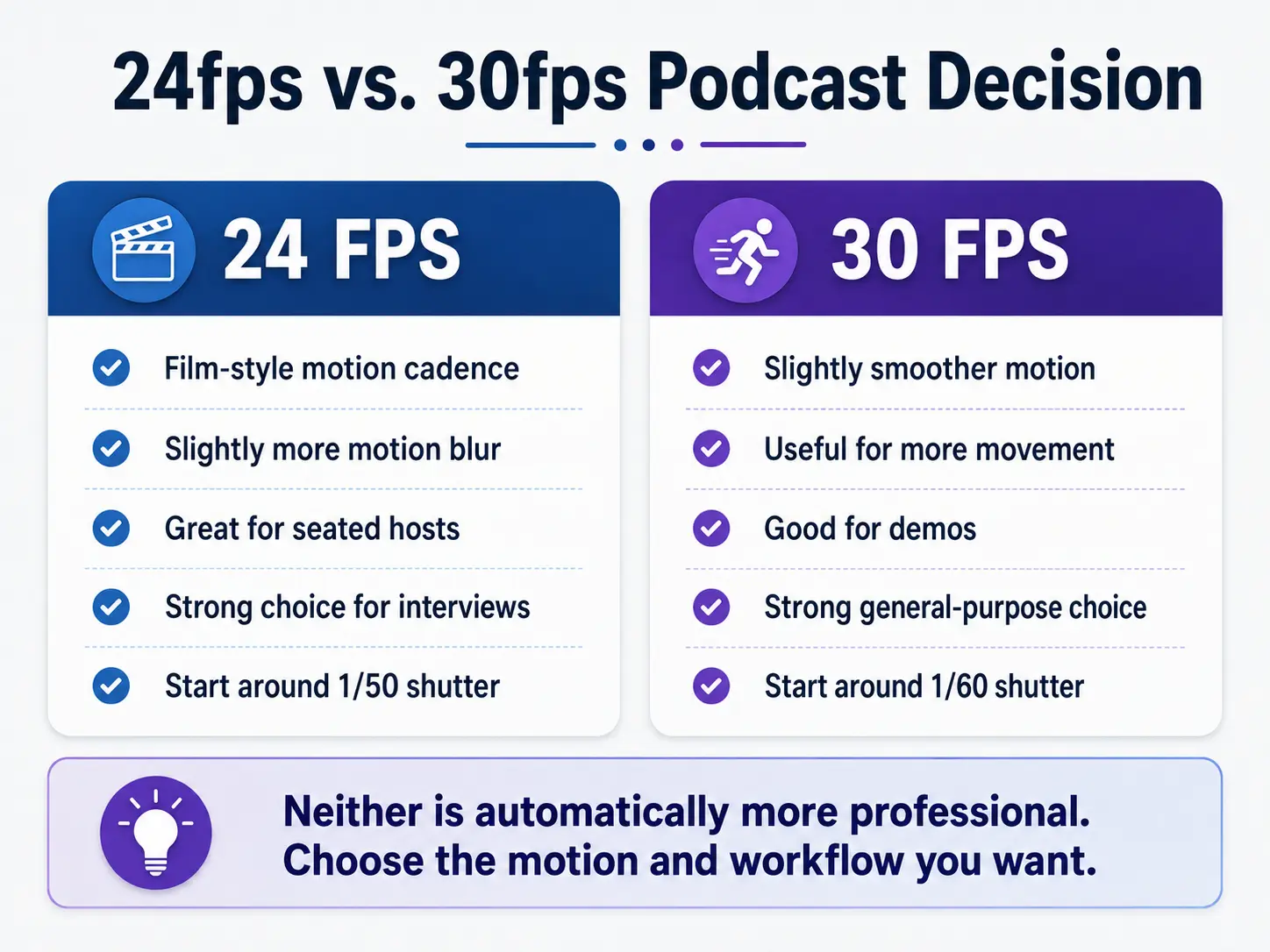
24fps gives you a slightly more film-like motion cadence. 30fps gives you slightly smoother motion. Both can look excellent.
The bigger mistake is assuming that the higher number automatically means better video—or that switching your camera to 24fps will somehow make the audience trust you more.
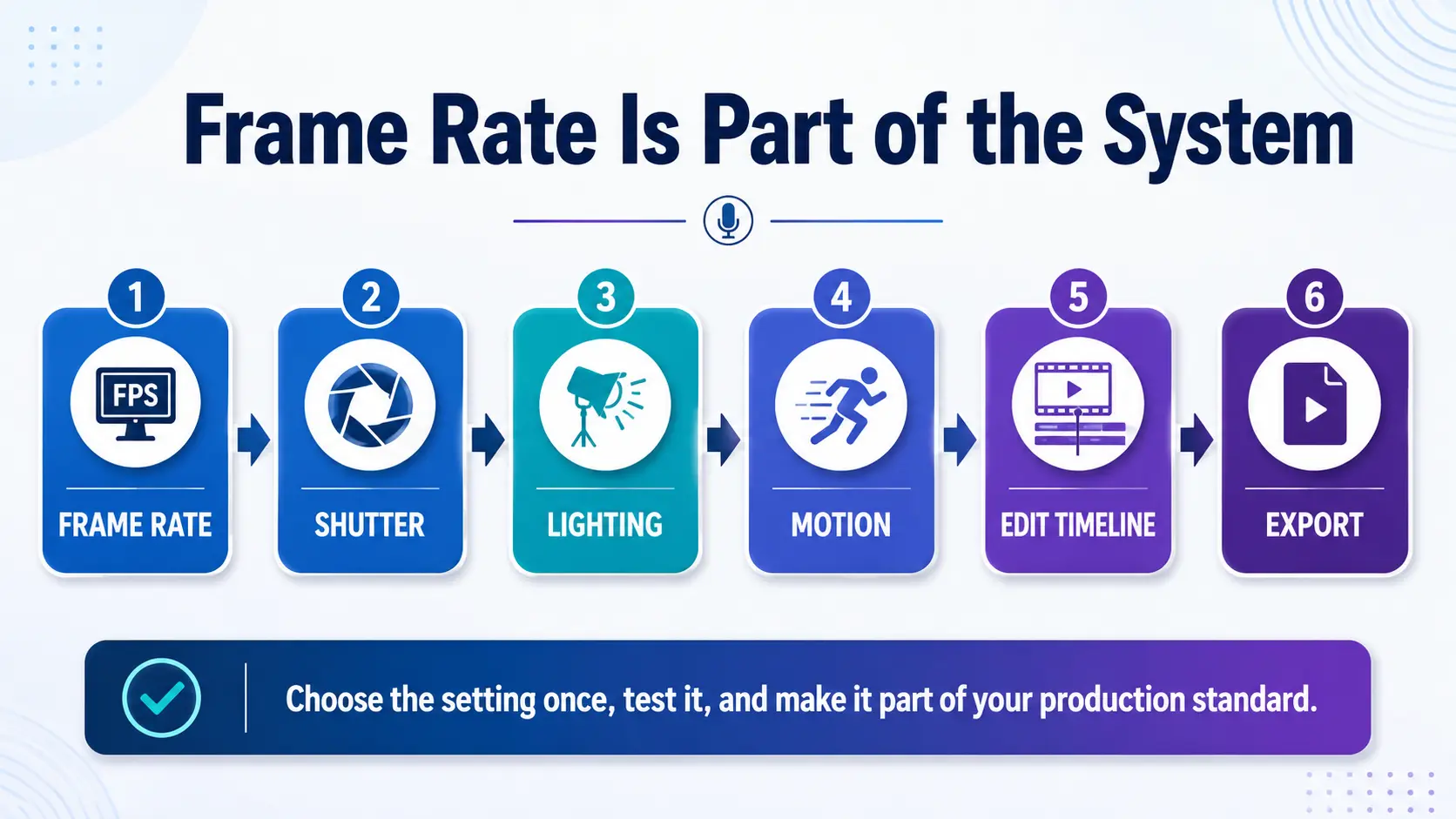
Frame rate is one piece of the visual system. Your lighting, shutter speed, exposure, lens choice, framing, background, camera position and the way you actually present on camera all contribute to the finished image.
So instead of asking which number is better, ask a more useful question:
What kind of motion do you want, and which setting works best with the rest of your production workflow?
What Does Frame Rate Actually Change?
Frame rate is simply the number of individual images your camera records each second.
At 24fps, the camera records roughly 24 frames every second.
At 30fps, it records roughly 30.
That difference affects how motion is represented. More frames give the camera more individual samples of that movement, so 30fps generally looks a little smoother than 24fps.
It does not automatically give you more resolution, better lighting, better color, better focus or better composition.
Those are separate decisions.
This is the same reason I don’t like treating camera specifications as a scoreboard. A bigger number may describe more of something without telling you whether you actually need it.
If you’re also deciding between recording resolutions, see my guide to 4K vs. 1080p for video podcasting.
What Does 24fps Look Like?
24fps is closely associated with motion-picture production, and camera manufacturers themselves commonly treat 24p as a cinema-oriented recording option. Sony, for example, describes its 24p modes as producing a “cinema-like atmosphere.”
For a seated video podcast, that can work very well.
There usually isn’t a tremendous amount of fast movement happening. You’re talking, turning your head, moving your hands and perhaps cutting between a few camera angles.
At 24fps, that movement can have a slightly softer, more familiar film-style cadence.
That’s why I like 24fps for certain interview shows, solo teaching videos and other controlled productions where I want the image to feel intentional without looking excessively smooth.
But there’s an important distinction here:
24fps can contribute to a cinematic look. It does not create one by itself.
Bad lighting at 24fps is still bad lighting.
A distracting background at 24fps is still distracting.
And a camera pointed up someone’s nose in 24fps has not magically become a documentary.
Frame rate is part of the look. It isn’t the entire look.
What Does 30fps Look Like?
30fps records more frames during the same second, so movement is represented a little more frequently.
That can produce a somewhat smoother feel.
For a podcast, 30fps can make sense when:
- there is more physical movement on camera;
- you’re demonstrating products or equipment;
- screen content is an important part of the video;
- your other cameras or video sources are already running at 30fps;
- your established editing workflow is built around 30fps;
- you simply prefer the look.
And there’s nothing inherently amateur about it.
That is one of the biggest corrections I would make to the usual 24-vs.-30 discussion.
You can produce an expensive-looking, carefully lit 30fps video.
You can also produce terrible-looking 24fps footage.
The frame rate didn’t cause either one.
24fps vs. 30fps for Podcasts
Here’s the practical comparison.
| 24fps | 30fps | |
|---|---|---|
| Motion | Slightly less smooth | Slightly smoother |
| General character | Often associated with film-style motion | Often associated with conventional digital video |
| Seated interviews | Excellent | Excellent |
| Solo teaching | Excellent | Excellent |
| More physical movement | Fine | Often useful |
| Product demonstrations | Fine | Often useful |
| Typical shutter starting point | About 1/50 sec | About 1/60 sec |
| YouTube compatibility | Yes | Yes |
YouTube accepts both frame rates and recommends uploading video in the same frame rate it was originally recorded rather than unnecessarily converting it during export.
So there isn’t a secret YouTube advantage hiding in this decision either.
Don’t Choose 60fps Just Because 60 Is Bigger
60fps has legitimate uses.
Fast movement is rendered more smoothly, and recording at higher frame rates can also be useful when you intend to create slow-motion footage.
But that doesn’t mean your seated podcast needs to be recorded at 60fps.
You’re probably not covering the Daytona 500.
For a host sitting behind a microphone, the additional temporal resolution may not contribute much to the actual communication.
Higher frame rates can also change other parts of the production decision, including shutter speed and potentially your lighting requirements.
Choose it because you need it—not because the camera menu made 60 look twice as impressive as 30.
Frame Rate and Shutter Speed Work Together
This is where the relationship between frame rate and shutter speed matters, but the guideline needs a little context.
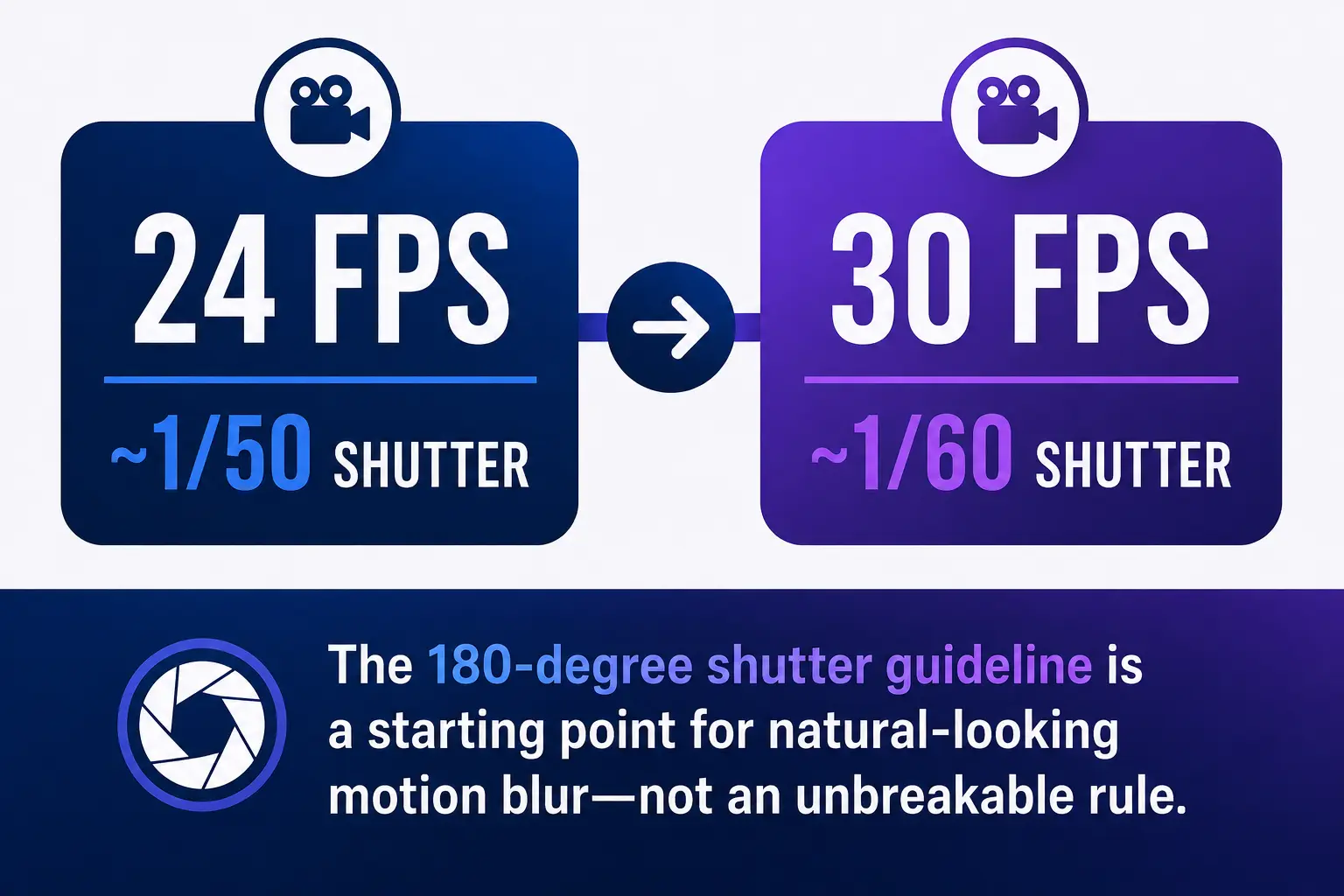
A common filmmaking starting point is the 180-degree shutter rule.
In practical terms, that means using a shutter speed approximately twice your frame rate:
- 24fps → approximately 1/48 second, commonly 1/50 on a camera
- 30fps → approximately 1/60 second
Canon describes this as a rule of thumb for producing natural-looking motion blur rather than an absolute requirement.
If you use a much faster shutter speed, each individual frame captures less motion blur. Movement can begin to look sharper or more staccato.
Sometimes that’s intentional.
Sometimes it’s exactly what you don’t want.
For a normal seated podcast, starting around 1/50 at 24fps or 1/60 at 30fps is reasonable. Then look at the actual image.
Don’t blindly obey the number if your production requires something different.
The Setting I Would Choose for a Typical Seated Video Podcast
If I were building a controlled, single-camera video podcast primarily around a seated host or interview, I’d usually start by testing:
24fps + approximately 1/50 shutter
That gives me a familiar film-style starting point without making the setup complicated.
If the production involved more movement, demonstrations, other 30fps sources, or an established 30fps workflow, I’d be perfectly comfortable using:
30fps + approximately 1/60 shutter
The important part is consistency.
Pick a production standard intentionally. Test it. Then stop reopening the same decision every Tuesday afternoon before you record.
That is where a simple camera setting becomes a production-system issue.
Match Your Cameras and Editing Workflow
If you’re using multiple cameras, screen recordings or other video sources, think about the whole production before choosing a frame rate.
Ideally, establish the frame rate before recording and keep your primary sources and editing timeline consistent wherever practical.
YouTube’s guidance specifically recommends maintaining the source frame rate instead of resampling footage just to convert it to another normal frame rate.
That means this:
24fps camera → 24fps editing workflow → 24fps export
or
30fps camera → 30fps editing workflow → 30fps export
is generally cleaner than recording one format and converting everything later without a reason.
This is also why your camera decisions should be made during setup, not rediscovered every episode.
If production decisions keep changing from week to week, my automated podcast workflow blueprint explains how to start turning repeated decisions into a documented process.
Does 24fps Make Your Podcast Look More Professional?
Not automatically.
This is where I disagree with a lot of overly simplified camera advice.
Viewers experience the finished image, not your frame-rate menu.
A professional-looking video podcast comes from a group of decisions working together:
- intentional lighting;
- appropriate exposure;
- sensible framing;
- a useful camera angle;
- a clean or purposeful background;
- good audio;
- natural on-camera delivery;
- appropriate editing;
- consistent visual presentation.
Frame rate influences motion inside that system.
It isn’t an authority button.
You can also improve how you physically present on camera without buying another piece of equipment; I cover that in physical preparation for stronger video podcast authority.
So: Should You Use 24fps or 30fps?
For most video podcasters:
Choose 24fps if you prefer a slightly more film-like motion cadence.
Choose 30fps if you prefer slightly smoother motion or it fits the rest of your workflow better.
Then pair the frame rate with an appropriate shutter speed, test the image under your actual lighting, and standardize the setting.
Don’t spend three weeks trying to uncover some hidden psychological conversion advantage between 24 and 30 frames per second.
There are much bigger things your podcast needs to get right.
Your audience needs to understand what the show is about.
Your episodes need to deliver value.
Your production process needs to be repeatable.
And your podcast needs a reason to exist beyond producing another video file.
If your camera settings, episode planning, production workflow and publishing process are still being rebuilt every time you record, that’s the larger problem the Podcast Business System + Podcast Production OS is designed to address.
Frame rate should eventually become a production default—not a weekly debate.
Frequently Asked Questions
Is 24fps or 30fps better for a video podcast?
Neither is universally better. 24fps gives you a slightly more film-like motion cadence, while 30fps gives you somewhat smoother motion. Choose the one that fits the visual style and production workflow you want.
What shutter speed should I use at 24fps?
A common starting point is approximately 1/48 second, with 1/50 commonly used on cameras that don’t offer 1/48. This follows the traditional 180-degree shutter guideline.
What shutter speed should I use at 30fps?
Approximately 1/60 second is the conventional 180-degree-rule starting point for 30fps video.
Does YouTube prefer 24fps or 30fps?
YouTube supports both. Its current encoding guidance recommends uploading video using the same frame rate in which it was recorded rather than unnecessarily converting it.